At first I tried to simply copy OLE Excel Diagram object to Corel Draw. I needed to make that diagram in eps format for TeX, that’s why I used Corel Draw. But it failed. OLE object was copied the wrong way and there were a lot of problems like this:

I solved this problem in the following way.
- Export diagram to pdf file with standarts. The trick is to create pdf file in Excel with special standart. Look at the following pictures:



- Then import that pdf file to corel draw so that corel draw will use it’s native elements(lines, text, etc).
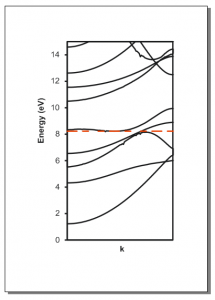


[ad#newad]