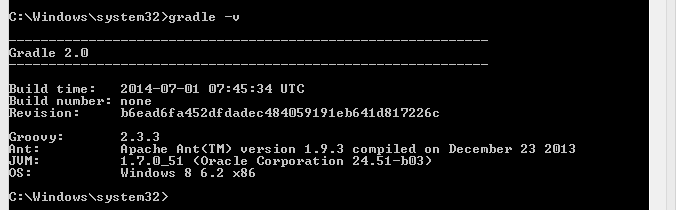
At first, when I looked at a Gradle distribution, I thought, that it works only on Unix. But then after one search I understood that it works on Windows as well, of course. Here I will describe, how I installed it and set up environment variables with some illustrations step by step.
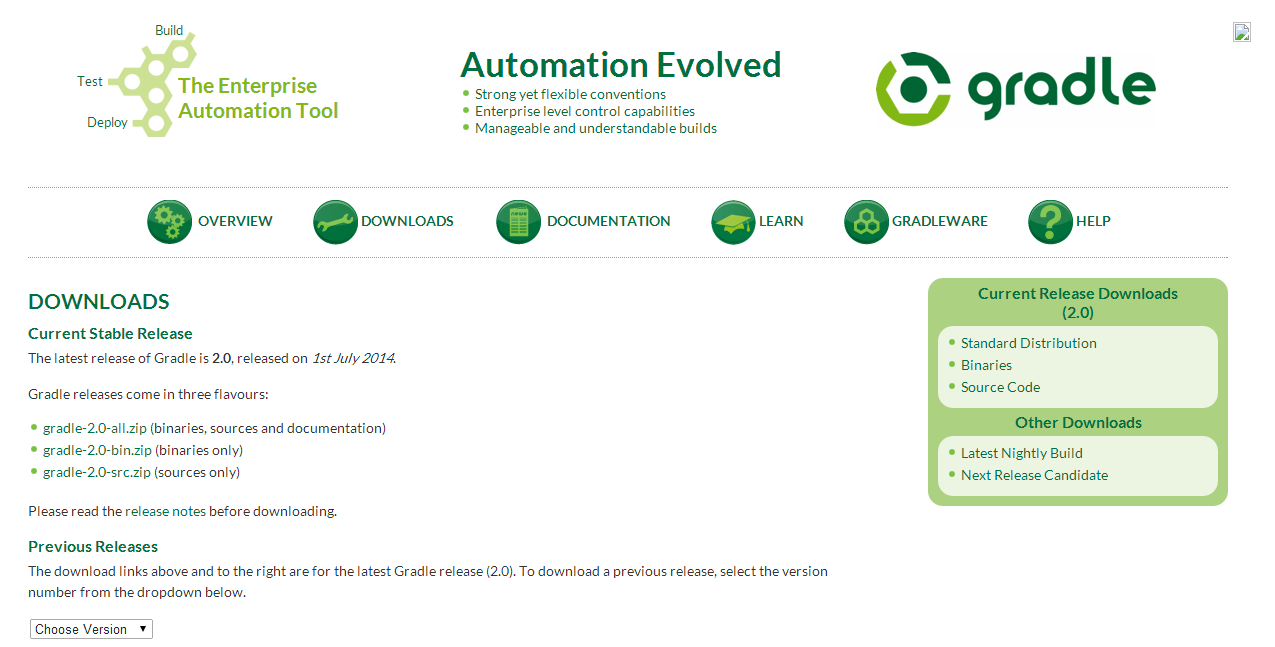
1. Download current stable release of Gradle from it’s main site, downloads page. It is about 40 Mb in size if you download without source files.
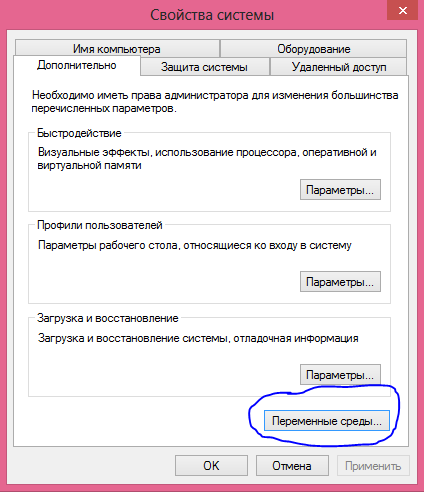
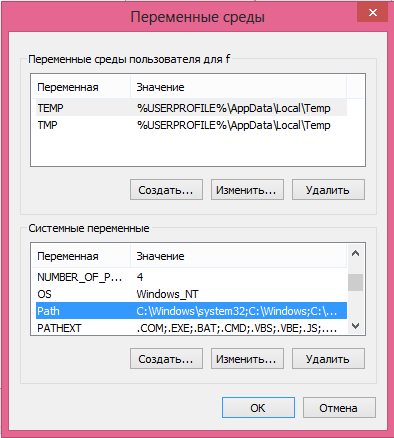
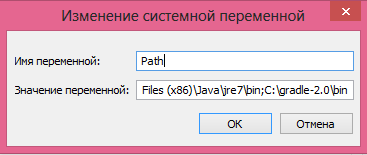
2. Add gradle to PATH variable in My Computer / Properties / Advanced / Environment variables.
3. Check java and gradle versions in Command Line.